Imagine this: your gas cylinder is empty, your pressure cooker is on the stove, and guests are arriving. In such a moment, you don’t want a long process — you just want your cylinder booked instantly.
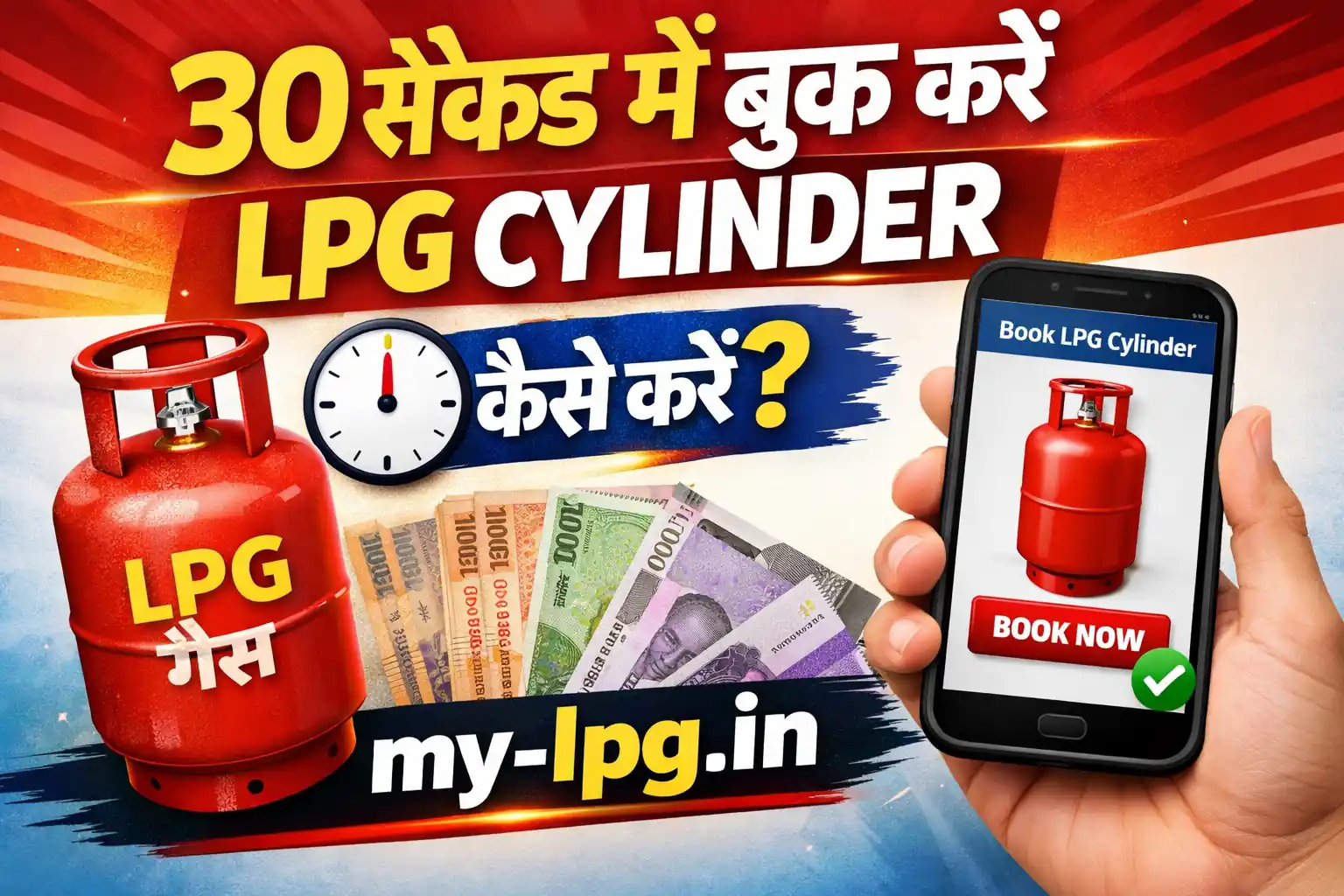
That’s exactly why learning How to Book LPG Cylinder in 30 Seconds is so important today. The good news? It is absolutely possible, and millions of Indian households are already doing it in under a minute.
Below, I’ll explain the fastest, simplest, and safest ways — in real human language, not technical jargon.
⏱️ Method 1 — Fastest: Missed Call Booking (10–15 seconds)
This is by far the easiest way.
Step 1:
Pick up your registered mobile number.
Step 2:
Give a missed call on your gas company’s booking number (Indane/Bharat/HP — whichever you use).
Step 3:
You will instantly get an SMS confirming your booking.
That’s it. No app, no internet, no OTP — just a missed call.
💡 Real-life example:
My neighbour Meena Tai does this every month. She says, “Call kiya, cut kiya, message aa gaya — kaam ho gaya.”
📱 Method 2 — MyLPG / Company App (20–30 seconds)
If you like apps, this method is also super fast.
Steps:
- Open the gas app (MyLPG / Indane / HP / Bharat Gas app).
- Tap Book Cylinder.
- Confirm.
Done. Cylinder booked.
This is especially useful if you also want to track delivery.
👉 Read also: https://my-lpg.in/my-lpg-home/
💬 Method 3 — WhatsApp Booking (Very Convenient)
Many distributors now allow WhatsApp booking.
You simply:
- Send “BOOK” or your consumer number
- Receive confirmation
- Relax
Great for elderly people who are comfortable with WhatsApp.
☎️ Method 4 — IVR Call
If you are not comfortable with apps or missed calls:
- Call the gas booking number
- Press the required number in IVR
- Confirm booking
Takes about 30–40 seconds.
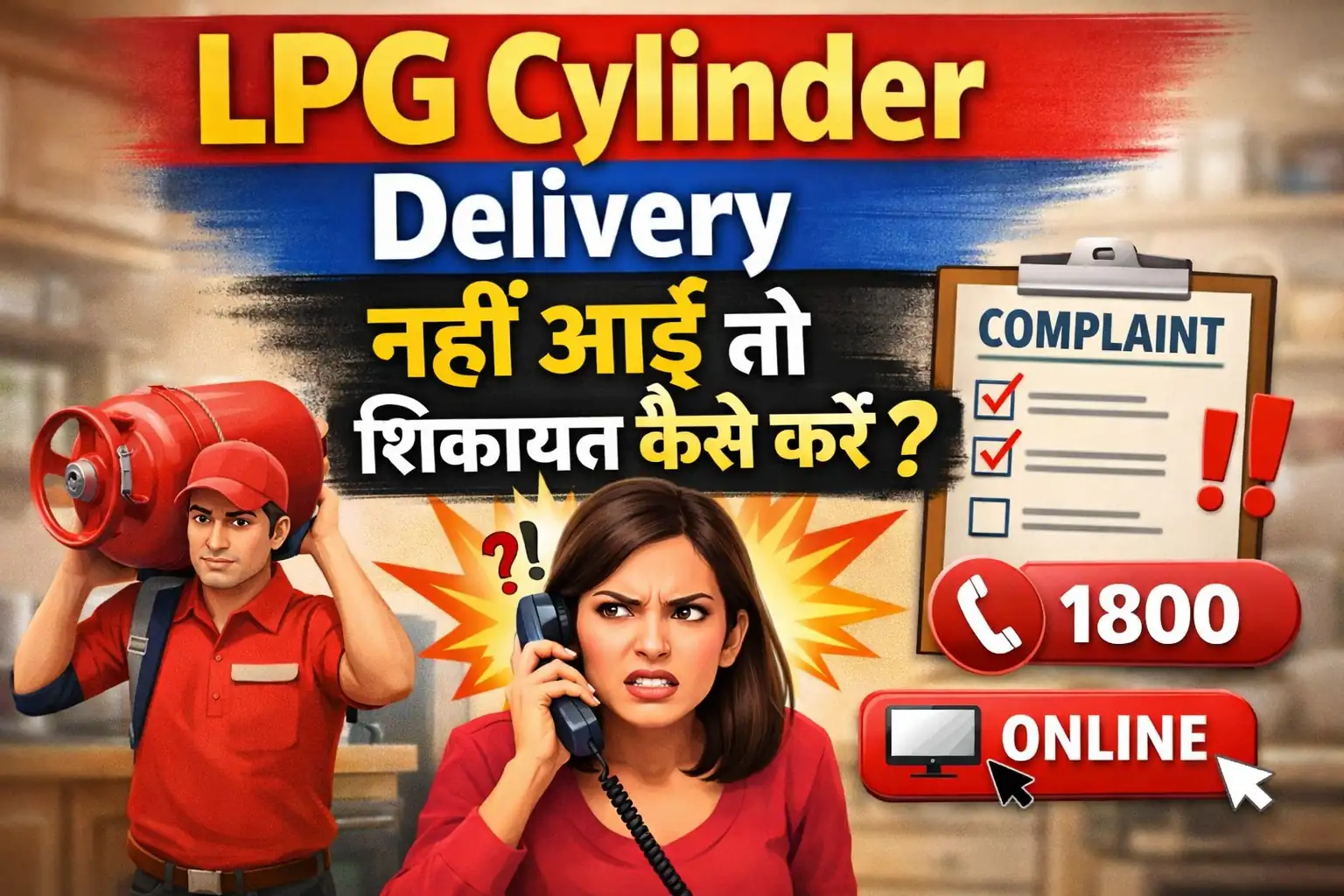
🛻 What Happens After Booking? (Delivery Process)
Once you book your cylinder:
- You get an SMS with booking ID
- Distributor assigns a delivery boy
- You receive delivery usually within 24–48 hours
If delivery is delayed, you can track it online.
👉 Read also: https://my-lpg.in/lpg-gas-cylinder-home-delivery-status-check/
🔐 Important Safety Tips While Booking
✔ Always book from your registered mobile number
✔ Never share OTP with anyone
✔ Don’t book through random websites
✔ Avoid fake customer care numbers on Google
👨👩👧 Who Should Use Which Method?
| User Type | Best Method |
|---|---|
| Busy professionals | Missed Call |
| Tech-savvy users | MyLPG App |
| Elderly users | WhatsApp / Missed Call |
| First-time users | App / Website |
🧾 New Connection? Then Do This First
If you don’t have an LPG connection yet, you must register before booking.
👉 Read also: https://my-lpg.in/how-to-register-for-lpg-gas-online/
LPG Cylinder Booking – Frequently Asked Questions
You can quickly book an LPG cylinder using a missed call, mobile app, WhatsApp booking or online portal provided by Indane, HP Gas or Bharat Gas.
Yes, most gas providers offer missed call booking services where you simply give a missed call from your registered mobile number.
You can use official apps such as Indane Gas App, HP Gas App or BharatGas App to book LPG cylinders instantly.
Normally LPG cylinder delivery takes 1–3 days depending on your location and distributor availability.
Yes, you can check booking status through the gas company website, mobile app or SMS service.