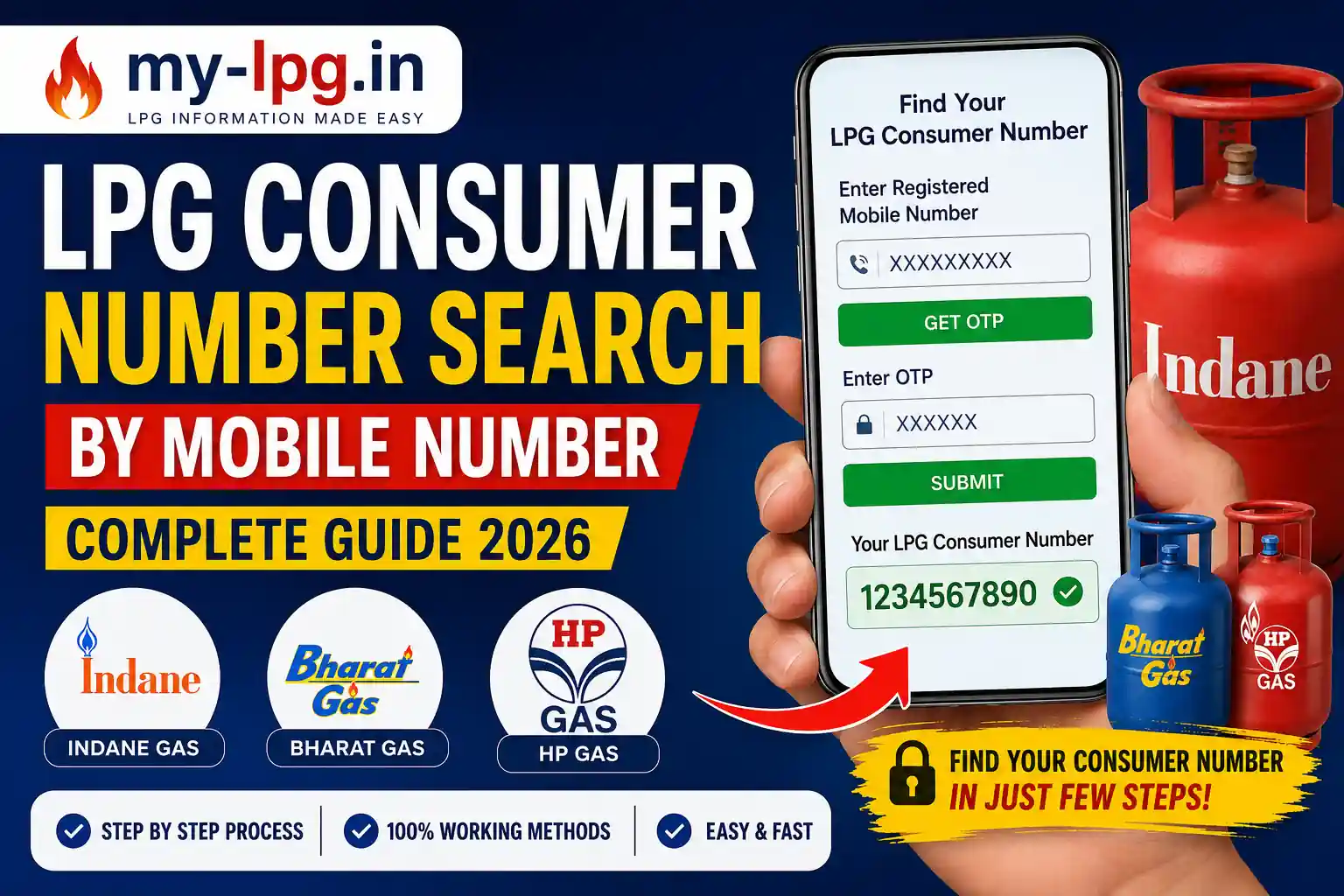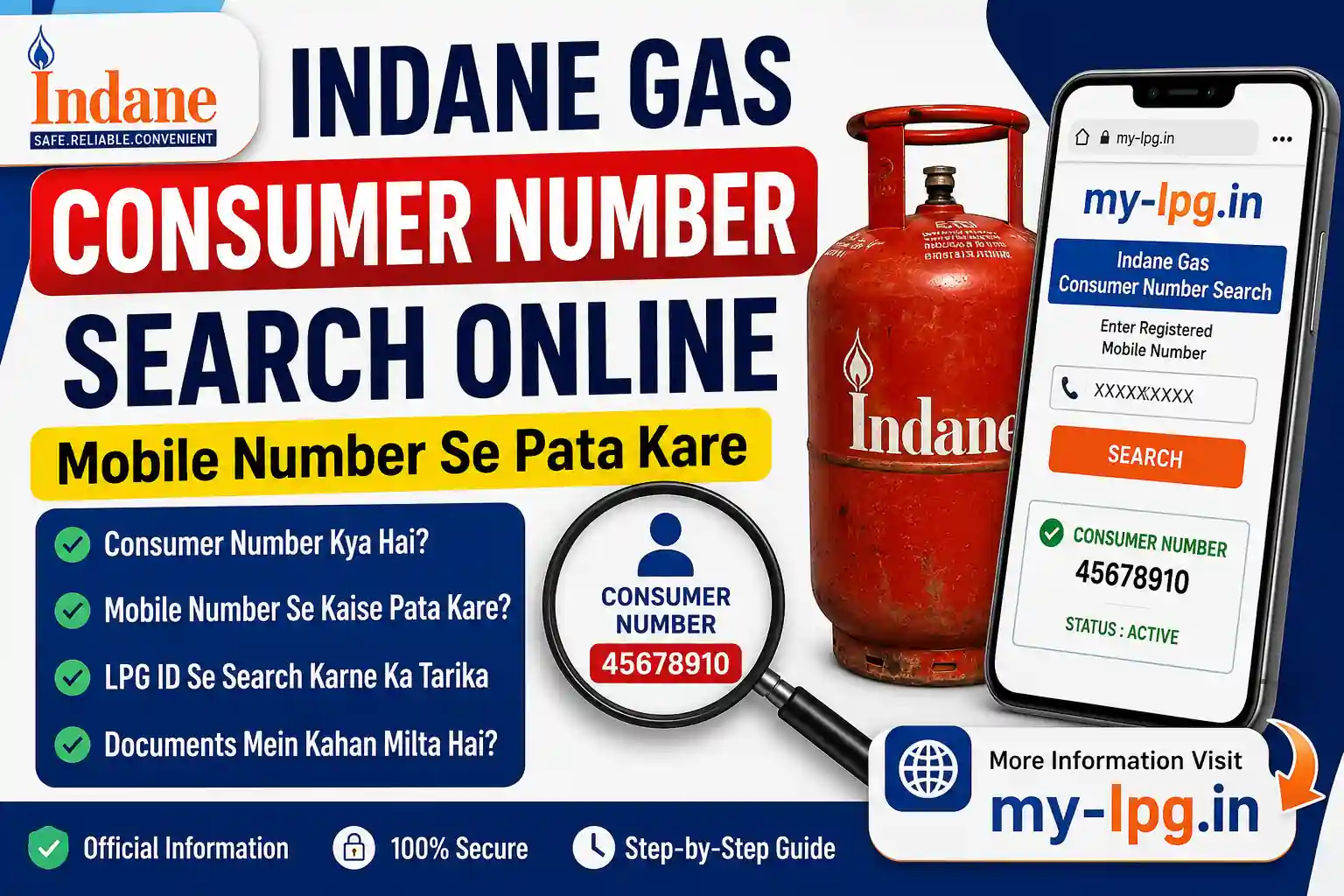

If you are an Indane Gas customer, you might have heard about LPG ID. Many users often ask: “How can I find my LPG ID for Indane Gas?”. The LPG ID is a unique 17-digit number that is essential for managing your LPG connection. Whether you want to check subsidy status, link Aadhaar, or book cylinders online, knowing your LPG ID is important.
In this post, we will explain what an LPG ID is, why it is important, and step-by-step methods to find your LPG ID for Indane Gas.
What is LPG ID?
An LPG ID is a unique 17-digit number assigned to every LPG consumer. It is like your customer identification number. This ID connects your LPG account with Aadhaar and your bank account for direct subsidy transfer.
👉 Without LPG ID, you cannot track subsidy, update KYC, or manage your connection online.
Why Do You Need LPG ID?
You need LPG ID for:
- Linking Aadhaar with LPG connection.
- Checking subsidy transfer under PAHAL (DBTL) scheme.
- Online gas booking.
- Managing your Indane Gas account.
- Transferring connection from one distributor to another.
How to Find My LPG ID Indane Gas – Step by Step
There are multiple ways to find your Indane Gas LPG ID.
1. Find LPG ID Online through Indane Portal
You can find your LPG ID online by visiting the official Indane Gas website.
Steps:
- Go to Indane Gas official website.
- Click on “Find Your LPG ID” option.
- Enter your State, District, Distributor Name, and Consumer Number.
- Click on “Proceed”.
- Your 17-digit LPG ID will be displayed on the screen.
2. Find LPG ID on Your Gas Cylinder Booking Receipt
When you book a cylinder, the delivery receipt contains your LPG ID.
- Check the top or bottom of the receipt.
- You will see a 17-digit number – that is your LPG ID.
3. Find LPG ID through Indane Distributor
If you cannot find your LPG ID online, simply contact your Indane Gas distributor.
- Provide your registered mobile number or consumer number.
- The distributor will provide your LPG ID.
4. Find LPG ID on Indane Gas Passbook
When you first applied for Indane Gas connection, you received a passbook or subscription voucher. Your LPG ID is printed on it.
5. Find LPG ID through Customer Care
Indane Gas has customer support to help you with LPG ID.
- Call Indane Gas toll-free customer care number: 1800-233-3555.
- Provide details like your name, distributor, and consumer number.
- They will share your LPG ID.
How to Use LPG ID
Once you have your LPG ID, you can:
- Register on Indane’s online portal.
- Link Aadhaar and bank account.
- Check subsidy transfer details.
- Book cylinders online.
👉 LPG ID is the key to accessing all Indane Gas services online.
Common Problems While Finding LPG ID
- Consumer Number Not Working – Make sure you are entering the correct number from your passbook.
- Distributor Name Mismatch – Sometimes people select the wrong distributor. Double-check before proceeding.
- Mobile Number Not Updated – If your registered mobile number is not updated, update it with the distributor to access online services.
Tips to Remember
- Always keep your LPG ID saved on your phone or written in a safe place.
- Use the LPG ID whenever you register for Indane Gas online services.
- If you change your distributor, your LPG ID remains the same.
Conclusion
So, the answer to your question “How to find my LPG ID Indane Gas?” is simple. You can find it online via the Indane Gas website, on your booking receipt, passbook, or by contacting the distributor or customer care.
Once you know your LPG ID, you can easily manage your LPG account, check subsidy status, and book cylinders online.
👉 Stay connected with https://my-lpg.in/ for regular updates on LPG booking, subsidy, and price information.