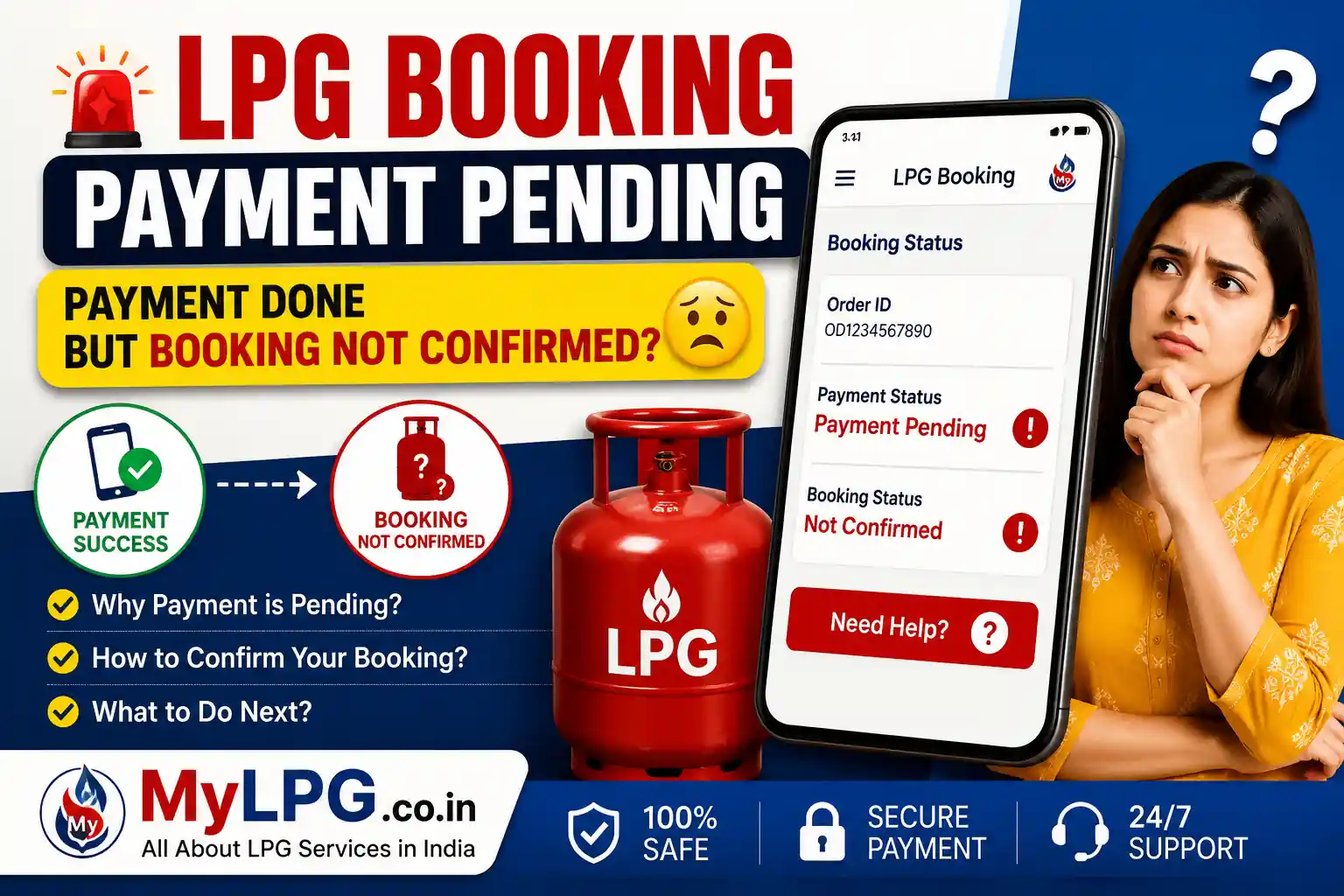
If your LPG booking payment is showing as pending even after the money has been deducted from your bank account, don’t panic. Sometimes payment confirmation takes a few minutes or hours due to server delays, bank processing, or payment gateway issues.
In most cases, the booking is confirmed automatically after the payment is verified.
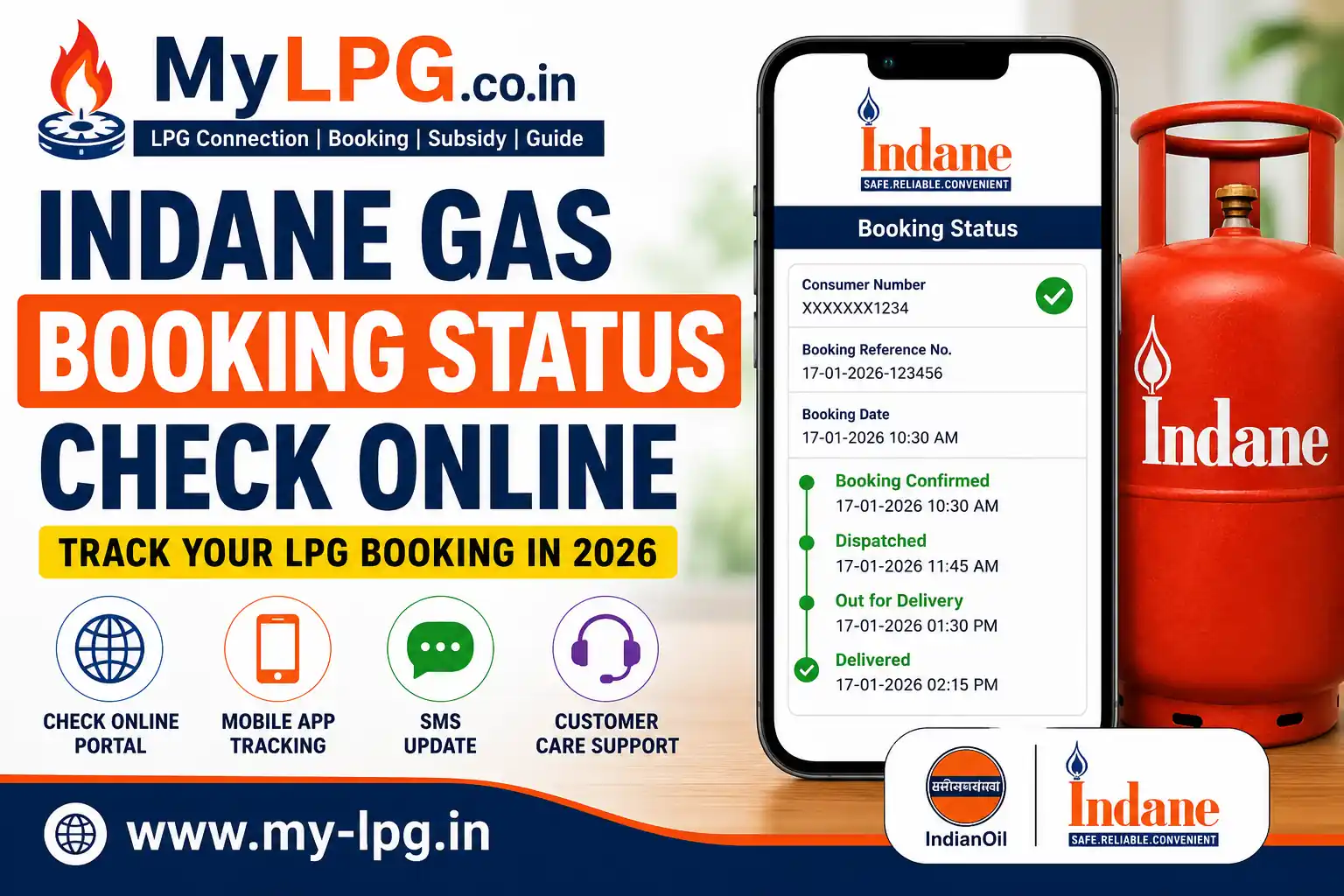
👉 Read Also: Gas Booking Status
Why Does LPG Booking Payment Show Pending?
Some common reasons include:
- Bank server delay
- Payment gateway issue
- Slow internet connection
- LPG company server maintenance
- UPI or card transaction pending
- Technical issue during booking
How to Check LPG Booking Payment Status
Follow these steps:
- Open your LPG provider’s booking portal or app.
- Log in using your Consumer Number or Mobile Number.
- Go to Booking History.
- Check the payment and booking status.
- If the payment is verified, your booking will usually be confirmed automatically.
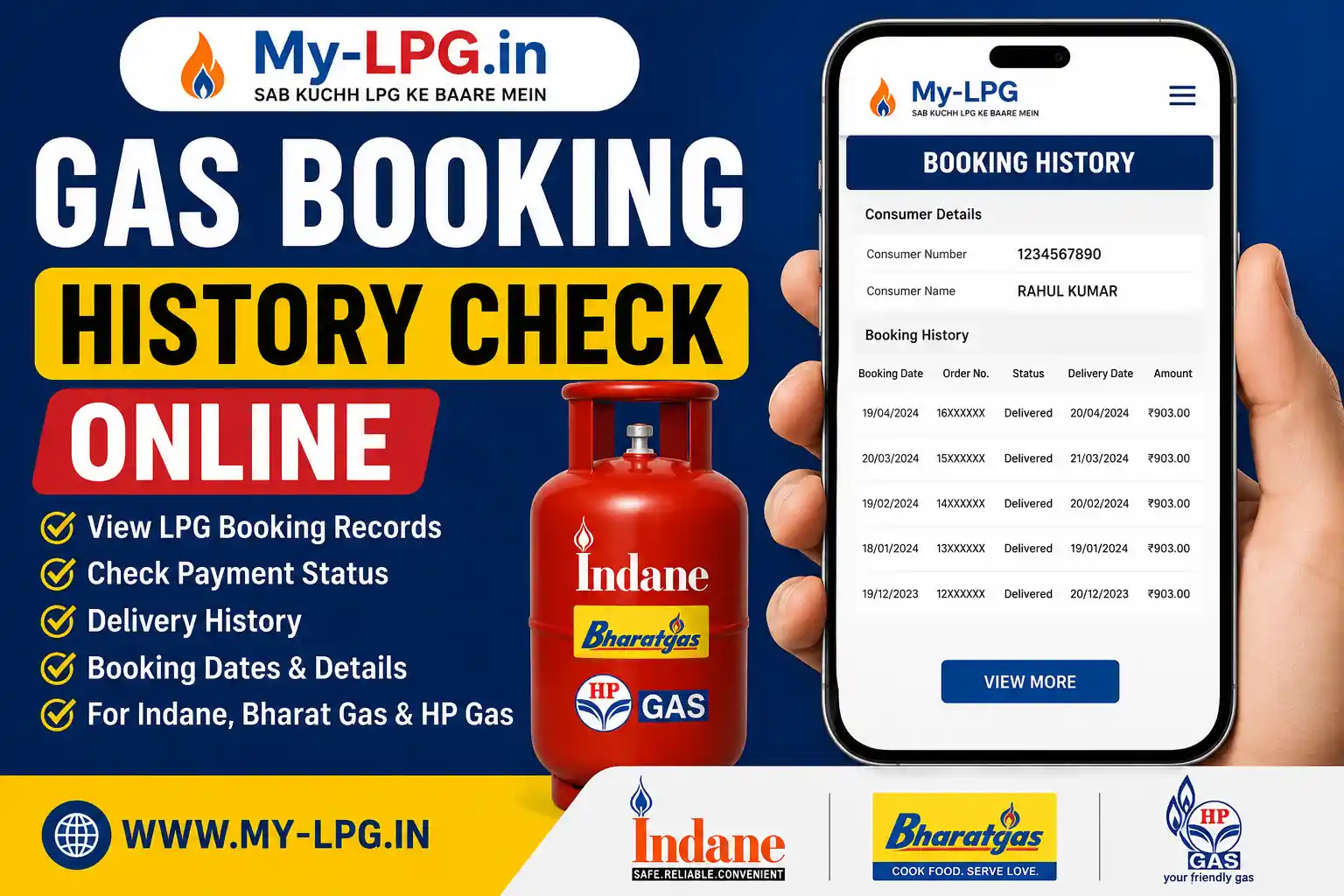
👉 Helpful Guide: Gas Booking History Check
What Should You Do If Payment Is Pending?
- Wait for 30 minutes to 24 hours.
- Do not make another payment immediately.
- Check your bank transaction status.
- Verify your booking history.
- Contact customer care if the payment remains pending after 24 hours.
👉 Also Read: Gas Booking Failed Amount Deducted Refund
Will I Get My Money Back?
Yes. If the booking is not completed and the payment fails, the deducted amount is generally refunded automatically to the original payment method within the bank’s processing time.
Quick Information
| Details | Information |
|---|---|
| Issue | LPG Booking Payment Pending |
| Common Reason | Bank or Server Delay |
| Waiting Time | 30 Minutes to 24 Hours |
| Refund | Auto Refund (If Booking Fails) |
| Status Check | Booking History |
| Support | LPG Customer Care |
| Charges | No Extra Charges |
👉 You May Like: Gas Customer Care
Tips to Avoid Payment Pending Issues
- Use a stable internet connection.
- Do not refresh the payment page repeatedly.
- Wait for the payment confirmation screen.
- Keep the transaction ID safely.
- Avoid making multiple payments for the same booking.
👉 Helpful: Gas Booking OTP Not Received
Conclusion
If your LPG booking payment is pending, it is usually caused by temporary bank or server delays. Wait for some time, check your booking history, and contact customer support only if the issue continues beyond 24 hours. In most cases, either the booking is confirmed automatically or the payment is refunded.
👉 Related Guide: LPG Booking Customer Portal
FAQs
Usually due to bank or payment gateway delays.
No. Wait until the payment status is updated.
Yes, the amount is generally refunded automatically.
Usually between 30 minutes and 24 hours.
You can check it in your LPG booking history or official LPG portal.