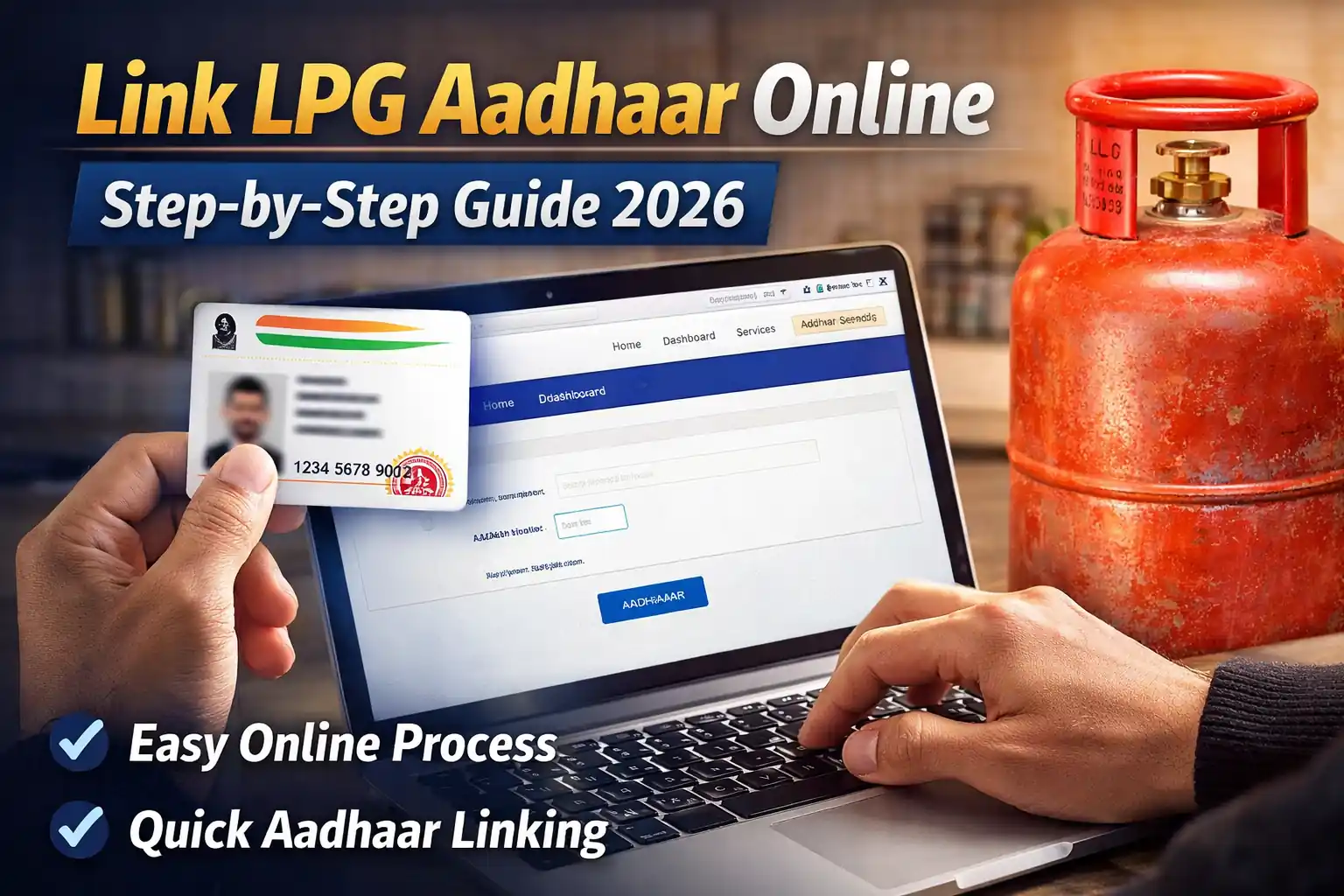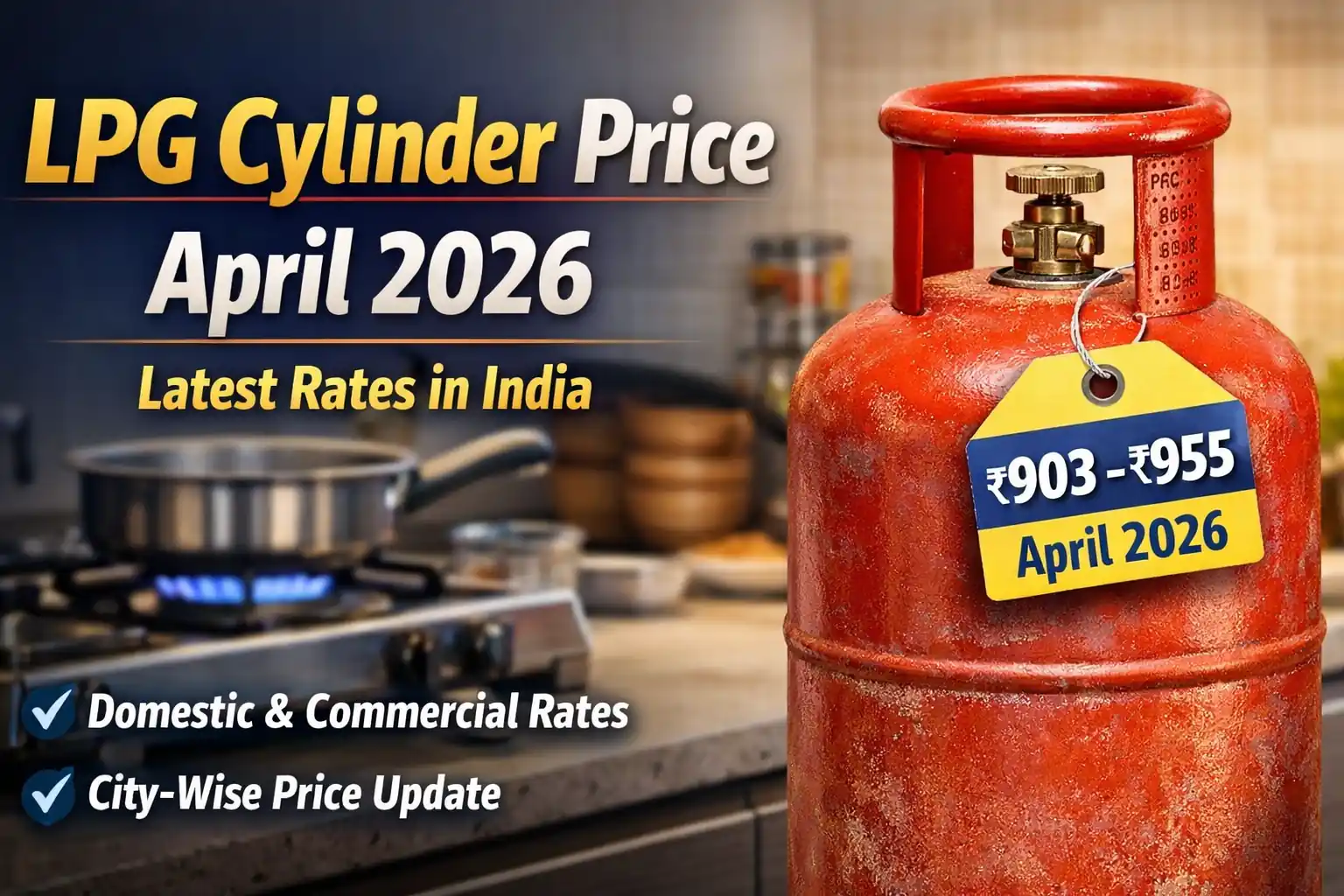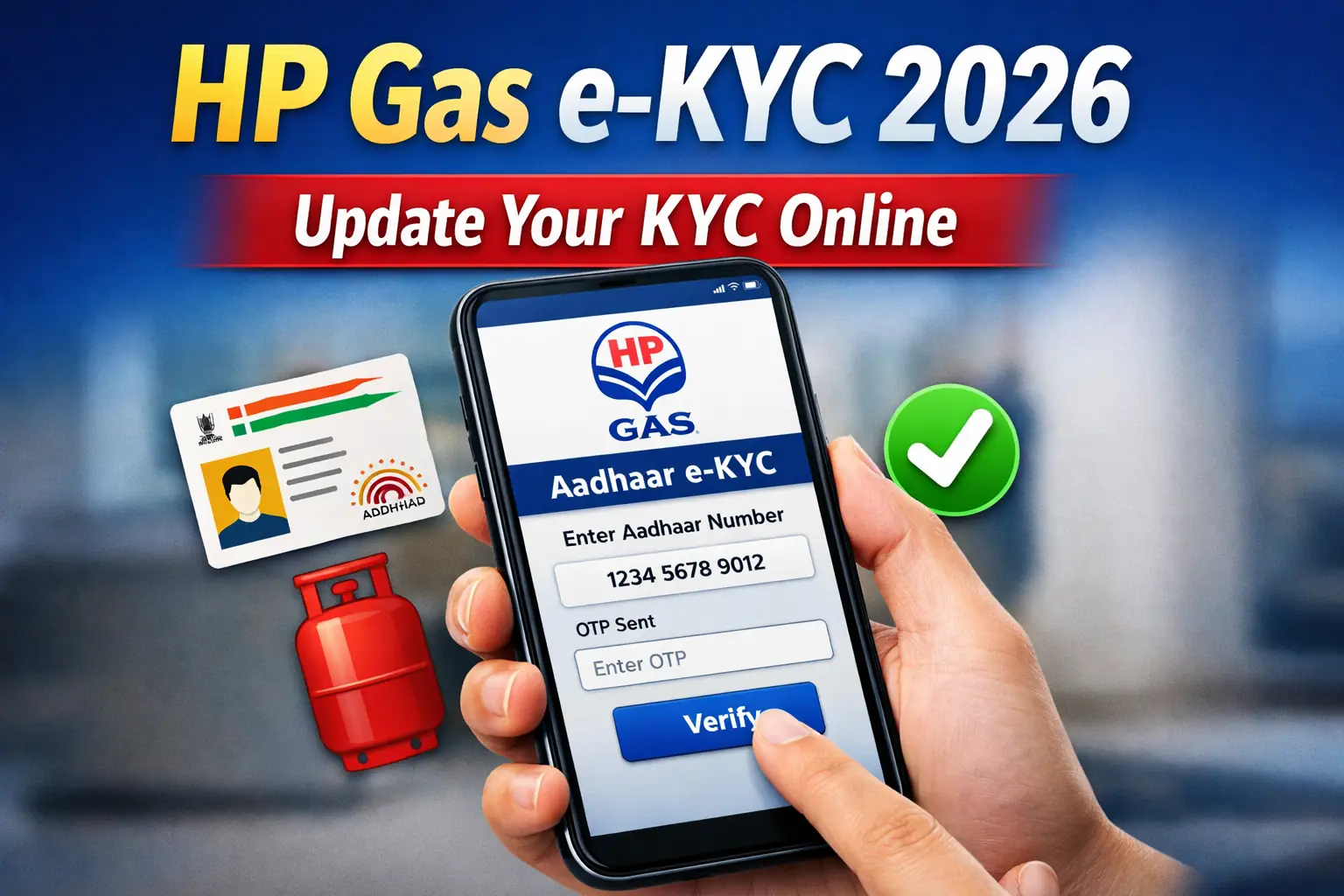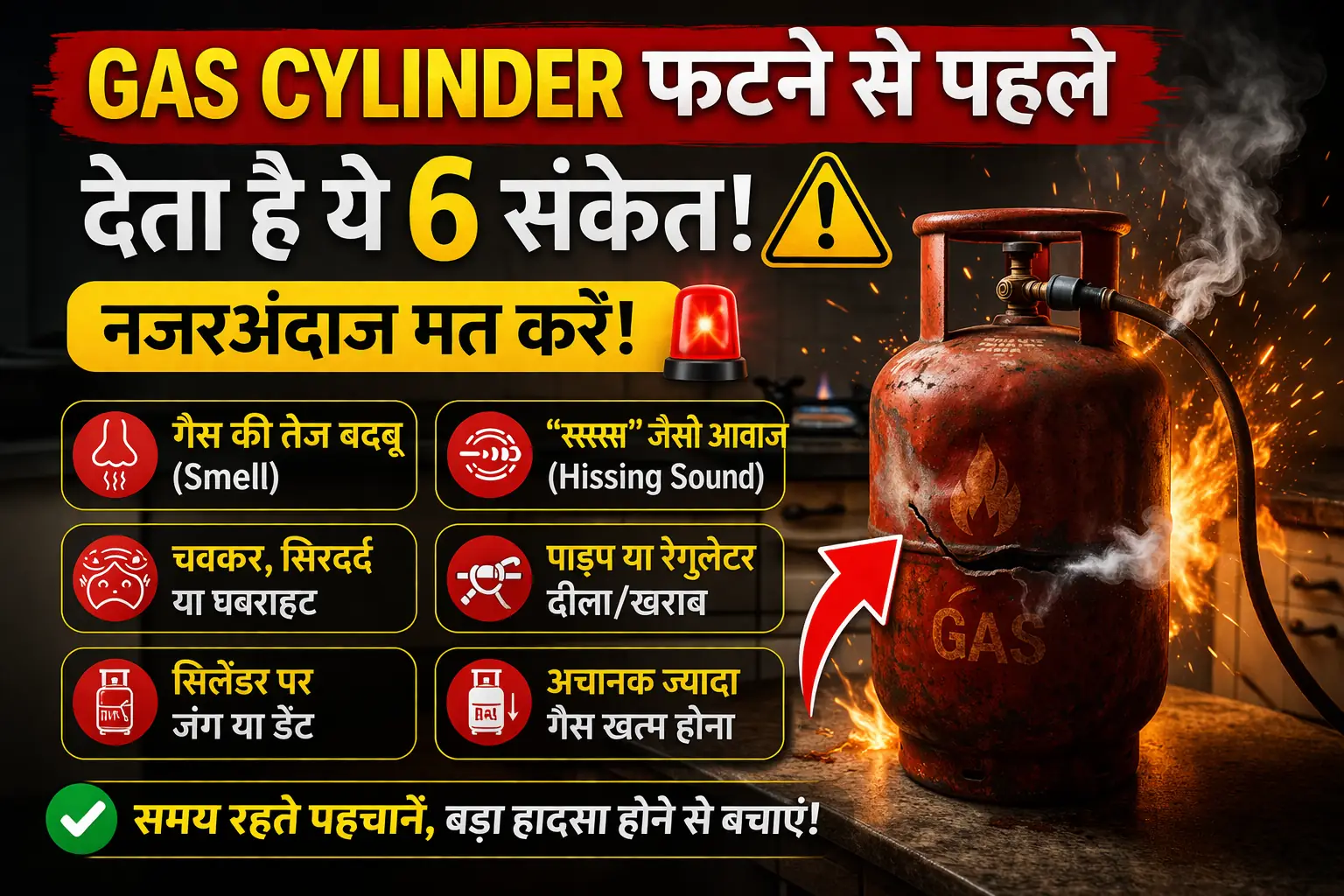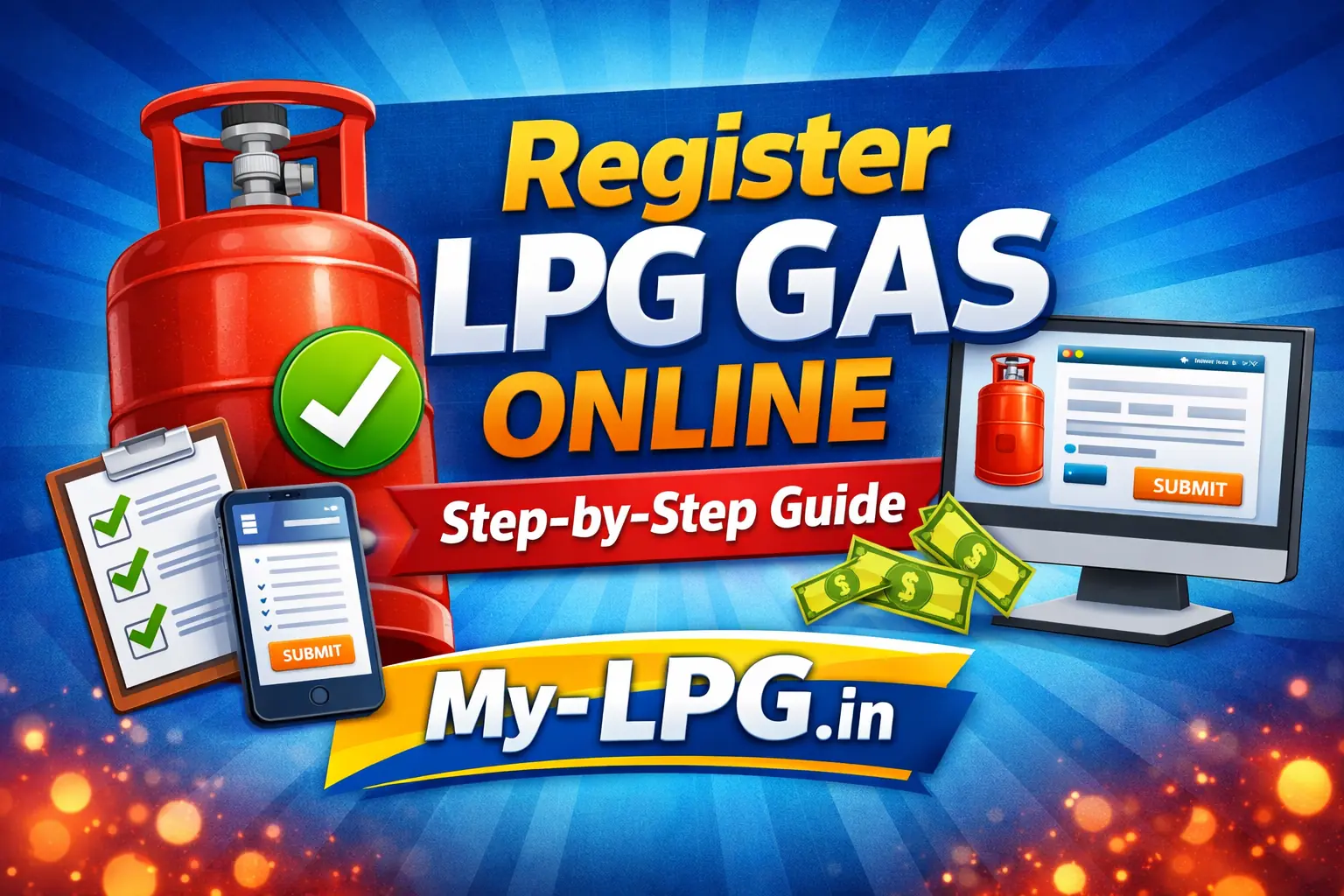
Applying for a new gas connection no longer means standing in long queues or visiting the gas agency multiple times. Today, you can register LPG gas online from your mobile or laptop while sitting at home.
Whether you want an Indane, Bharat Gas, or HP Gas connection, the online process is almost the same and takes 10–15 minutes if your documents are ready.
This guide explains the online LPG gas registration process step by step in very simple language.
🛢️ Who Can Apply for LPG Gas Online?
You can apply online if:
- You do not already have an LPG connection in your name
- You are above 18 years of age
- You have valid ID and address proof
- You want a domestic LPG connection
If you are eligible under subsidy schemes, you can also apply for subsidy-linked LPG gas.
📄 Documents Required for Online LPG Registration
Keep these documents ready before starting:
- Aadhaar Card (mandatory)
- Address proof (Aadhaar / Voter ID / Electricity bill)
- Bank account details (for subsidy)
- Passport size photo (digital copy)
- Mobile number linked with Aadhaar
Having documents ready avoids errors during submission.
✅ How to Register for LPG Gas Online – Step by Step
Step 1: Visit Official LPG Website
Go to the official website of your preferred LPG provider:
- Indane Gas
- Bharat Gas
- HP Gas
Choose “New LPG Connection” or “Register Online” option.
Step 2: Select Connection Type
You will see options like:
- Regular LPG connection
- PM Ujjwala Yojana connection
Choose the correct option carefully and proceed.
Read also: PM Ujjwala Yojana Apply Form 2025
Step 3: Enter Personal & Address Details
Fill in:
- Full name (as per Aadhaar)
- Complete address
- Mobile number
- Email ID (optional)
Double-check spelling mistakes before moving ahead.
Step 4: Upload Documents
Upload scanned copies or clear photos of:
- Aadhaar card
- Address proof
- Photograph
Make sure files are clear and readable.
Step 5: Choose Nearest LPG Distributor
Based on your address, the system will show nearby gas agencies.
Select the nearest distributor for faster delivery and service.
Read also: Nearby LPG Agency Search
Step 6: Make Online Payment
You may need to pay for:
- Security deposit
- Regulator
- Gas stove (optional)
Payment can be made via UPI, debit card, or net banking.
Step 7: Submit Application & Save Reference Number
After submission:
- You’ll receive an application/reference number
- Confirmation SMS will be sent
Save this number for tracking.
⏳ How Long Does LPG Connection Take?
Usually:
- Document verification: 2–4 days
- Connection installation: 5–10 working days
In some areas, it may be faster.
🔍 How to Check LPG Registration Status?
You can track status:
- Using reference number
- Through official LPG website
- By contacting distributor
Read also: How to Register for LPG Gas Online – Status & Process
❌ Common Mistakes to Avoid
- Wrong address details
- Unclear document upload
- Using someone else’s Aadhaar
- Selecting wrong distributor
Avoiding these mistakes speeds up approval.
💰 Will I Get LPG Subsidy?
Yes, if:
- Your Aadhaar is linked
- Bank account is active
- DBT is enabled
Subsidy amount is credited directly to your bank account.
👍 Benefits of Registering LPG Gas Online
- No agent required
- Saves time & travel cost
- Transparent process
- Easy tracking
- Suitable for rural & urban users
📌 Conclusion
The online LPG gas registration process is simple, fast, and reliable. With correct documents and details, you can apply for a new gas connection in minutes and avoid unnecessary delays.
If you are planning a new kitchen setup or shifting to a new home, register LPG gas online and enjoy hassle-free service.
FAQs
Q1. How can I register for LPG gas online?
Visit MyLPG.org or your distributor website, fill details, upload documents, and submit your application.
Q2. Which documents are required for LPG registration?
Aadhaar card, bank account details, proof of residence, and passport-size photo.
Q3. Can I get LPG subsidy with online registration?
Yes, eligible users receive PAHAL/DBTL subsidy directly in the linked bank account.
Q4. How long does it take to activate a new LPG connection?
Activation usually takes 5–10 days after document verification.
Q5. How can I track my new LPG connection status?
Use MyLPG.org, distributor website/app, SMS alerts, or customer care.
📖 Read Also
1️⃣ LPG Gas Cylinder Price Today
2️⃣ Ujjwala Yojana जानकारी
3️⃣ KisanSuvidha Goverment Scheme
4️⃣ Bajrang Baan PDF – बजरंग बाण पाठ, लाभ और महत्व
5️⃣ Shiv Stuti Lyrics – शिव स्तुति का पाठ और अर्थ