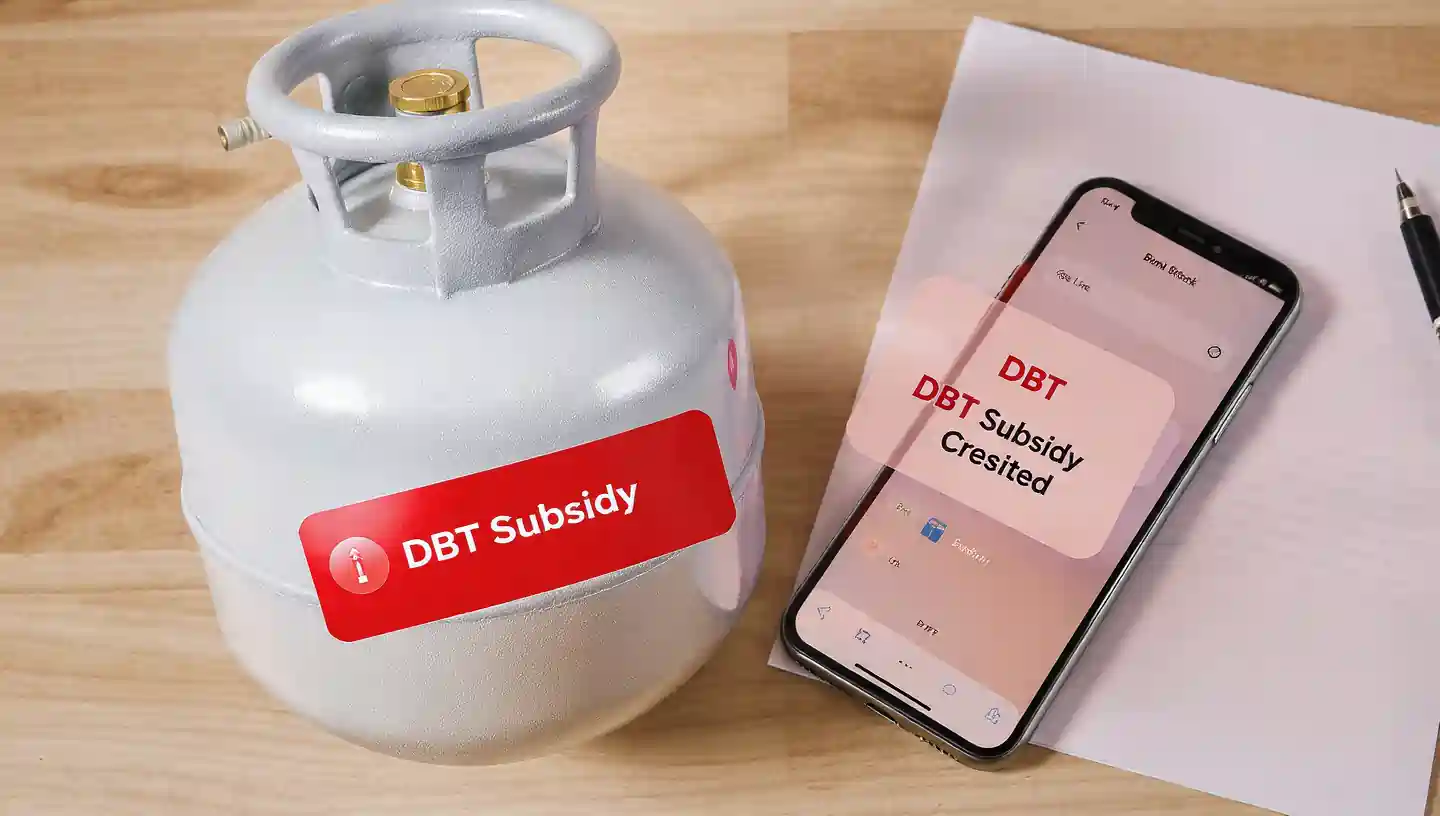
If you are an LPG consumer, you may receive subsidy directly in your bank account under the DBT (Direct Benefit Transfer) scheme. Every time you book a cylinder, the government deposits a certain subsidy amount into your linked bank account. But many people don’t know how to check LPG DBT subsidy, whether the amount has come or not, and how to verify it online.
This guide explains all methods with screenshots-style explanation, making it super easy for anyone to check their LPG subsidy status.
Whether you are a Bharat Gas, Indane Gas, or HP Gas customer, the process is almost the same. Let’s start.
⭐ What is LPG DBT Subsidy?
DBT (Direct Benefit Transfer) is a system where the LPG subsidy amount goes directly into your bank account that is linked with:
- Your LPG consumer number
- Your Aadhaar card
- And the bank chosen for subsidy
The amount varies depending on market price and government rates. Most customers receive around Rs. 50–300 per cylinder as subsidy depending on location and scheme changes.
🔍 How to Check LPG DBT Subsidy on Bank Account? – 5 Easy Methods
Here are the top five official methods to check your LPG DBT subsidy status:
1️⃣ Method 1: Check LPG Subsidy on the Official LPG Website (mylpg.co.in)
This is the most accurate and commonly used method.
Step-by-Step
- Visit the official portal:
https://mylpg.co.in - Select your LPG provider:
✔ HP Gas
✔ Bharat Gas
✔ Indane Gas - You will be redirected to your gas company’s login page.
- Enter your registered mobile number and log in.
- After logging in, click on:
“View Subsidy Status / DBTL Status” - Here you can see:
- Last subsidy received
- Amount credited
- Bank account ending digits
- Date of credit
- Total cylinders booked
Why this method is best?
Because it shows real-time linked data from LPG distributors.
2️⃣ Method 2: Check LPG Subsidy Directly from Bank Account (SMS Alerts)
Every time subsidy is credited, your bank sends an SMS:
✔ “DBT LPG Subsidy credit of Rs. ___ to A/C ending ____”
If you are not receiving SMS:
- Check if your mobile number is updated in the bank
- Enable SMS alerts
This method is quick and effortless.
3️⃣ Method 3: Check LPG Subsidy Using Online Banking / Mobile Banking
Most banks display subsidy deposits clearly with the term:
“DBTL / LPG SUB” or “PAHAL LPG SUBSIDY”
Follow these steps:
- Log in to your internet banking/mobile app
- Go to Account Statement / Account History
- Select the last 6 months
- Search keywords like:
- DBTL
- LPG
- Subsidy
- PAHAL
- You will see all subsidy credits instantly
This method works for all banks like SBI, HDFC, ICICI, PNB, BOI, BOB, Axis, etc.
4️⃣ Method 4: UPI Apps
UPI apps also show subsidy deposits.
Steps
- Open your UPI app
- Tap on “Balance & History”
- Go to transaction history
- Look for entries marked as:
- DBT
- LPG subsidy
- Subsidy credit
UPI history shows real-time transactions, so this is a convenient option.
5️⃣ Method 5: Check Subsidy from Gas Company Apps
All major LPG companies offer mobile apps to check subsidy:
✔ Indane Gas – IndianOil One App
✔ Bharat Gas – Hello BPCL App
✔ HP Gas – HP Pay App
Steps:
- Install your LPG company’s official app
- Log in using your registered mobile number
- Tap on “Subsidy Status”
- View subsidy amount, date, and bank account credit details
This method is fast and accurate.
🧾 How to Check if Your LPG Subsidy is Blocked or Not?
Sometimes subsidy stops due to issues like Aadhaar mismatch or KYC problems.
To check blockage status:
- Visit mylpg.in
- Select your gas provider
- Log in
- Click “DBTL Status”
- If it shows:
- “Subsidy Blocked” → Need to update KYC
- “Aadhaar not linked” → Link Aadhaar
- “Bank rejected transaction” → Update bank details
🪪 How to Link Your Bank Account with LPG for Subsidy?
If you are not receiving the subsidy, check if your bank is linked properly.
✔ Option 1: Bank Branch Method
- Visit your bank
- Fill DBT linking form
- Provide Aadhaar + LPG ID
✔ Option 2: Aadhaar Seeding
You can seed Aadhaar via:
- Bank ATM
- NetBanking
- Bank App
- Aadhaar Seeding portal
Once linked, subsidy resumes in 2–5 days.
🔄 How to Check LPG Subsidy Without Aadhaar?
Yes, you can check subsidy even without Aadhaar by using:
- LPG Consumer Number
- Registered Mobile Number
- Account Number
Just log in to mylpg.in and check subsidy directly.
💡 Reasons Why LPG Subsidy May Not Come
If your subsidy is missing, these may be the reasons:
❌ Aadhaar not linked
❌ Wrong bank account linked
❌ LPG number not updated
❌ Duplicate accounts
❌ KYC not completed
❌ Bank account inactive
❌ Paused by government (temporary)
To fix this, update your details on mylpg.in.
🧘 Tips to Ensure You Always Receive LPG Subsidy
✔ Keep Aadhaar linked to bank
✔ Ensure mobile number is updated
✔ Maintain minimum bank balance
✔ Check booking status regularly
✔ Use same mobile number for booking and bank alerts
✔ Do not keep LPG ID unused for more than 6 months
⭐ Conclusion
Checking your LPG DBT subsidy is now easier than ever. Whether you use the official website, banking app, UPI, or mobile SMS, all methods clearly show if your subsidy is credited or delayed.
The safest and most accurate method is:
👉 mylpg.in – DBTL Status
If your subsidy has not been credited, update your Aadhaar, bank, or LPG details and check again after 3–5 working days.
By following these methods, you can track your subsidy effortlessly and ensure you never miss a payment.
❓ FAQs
Use SMS alerts, UPI history, bank statements, or mylpg.in.
Direct Benefit Transfer for LPG customers.
Usually 2–3 days after cylinder delivery.
Aadhaar/bank not linked, KYC issue, or inactive account.
Yes, using your mobile number or LPG ID on mylpg.in.
📖 Read Also
1️⃣ LPG Gas Cylinder Price Today
2️⃣ Ujjwala Yojana जानकारी
3️⃣ KisanSuvidha Goverment Scheme
4️⃣ Bajrang Baan PDF – बजरंग बाण पाठ, लाभ और महत्व
5️⃣ Shiv Stuti Lyrics – शिव स्तुति का पाठ और अर्थ