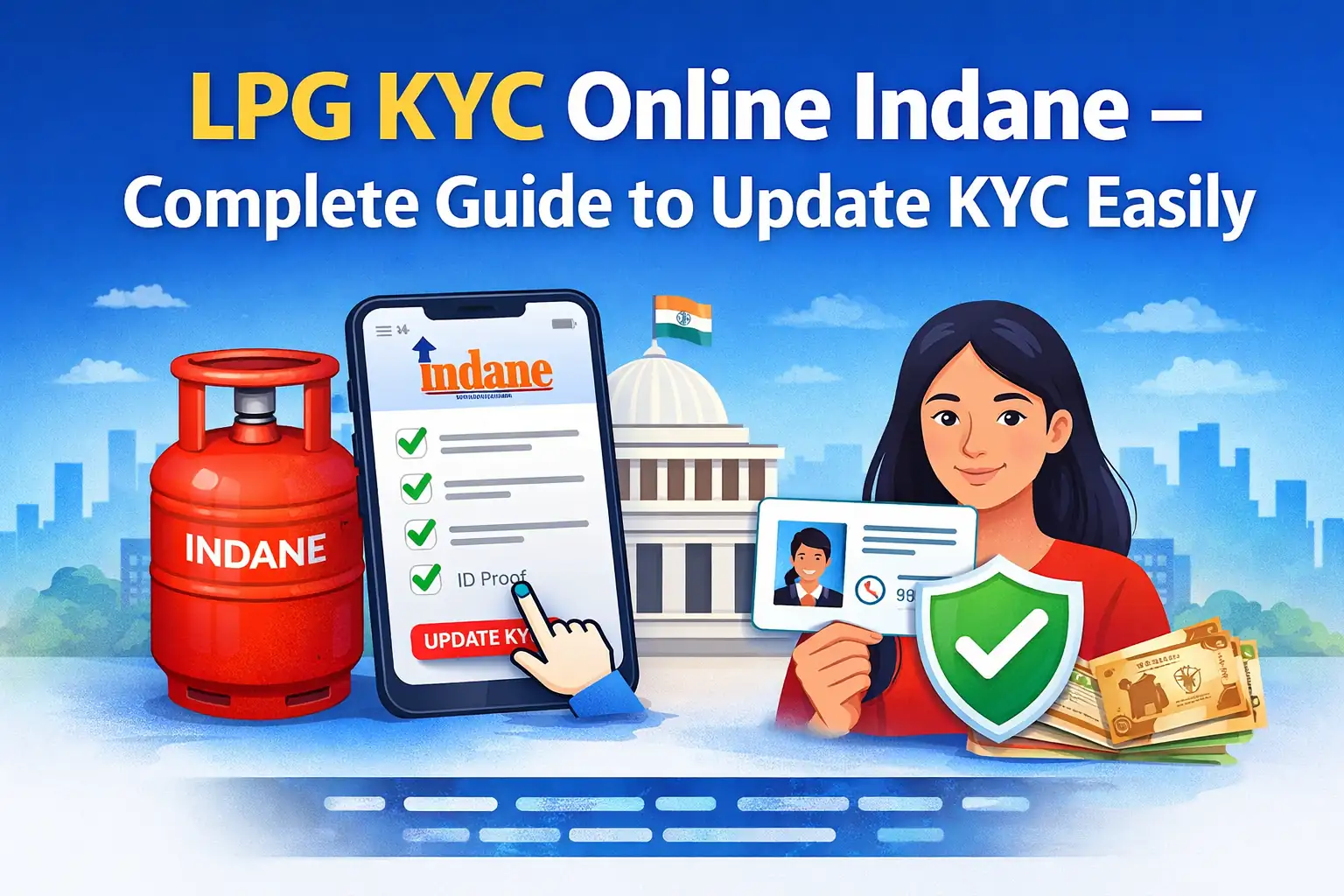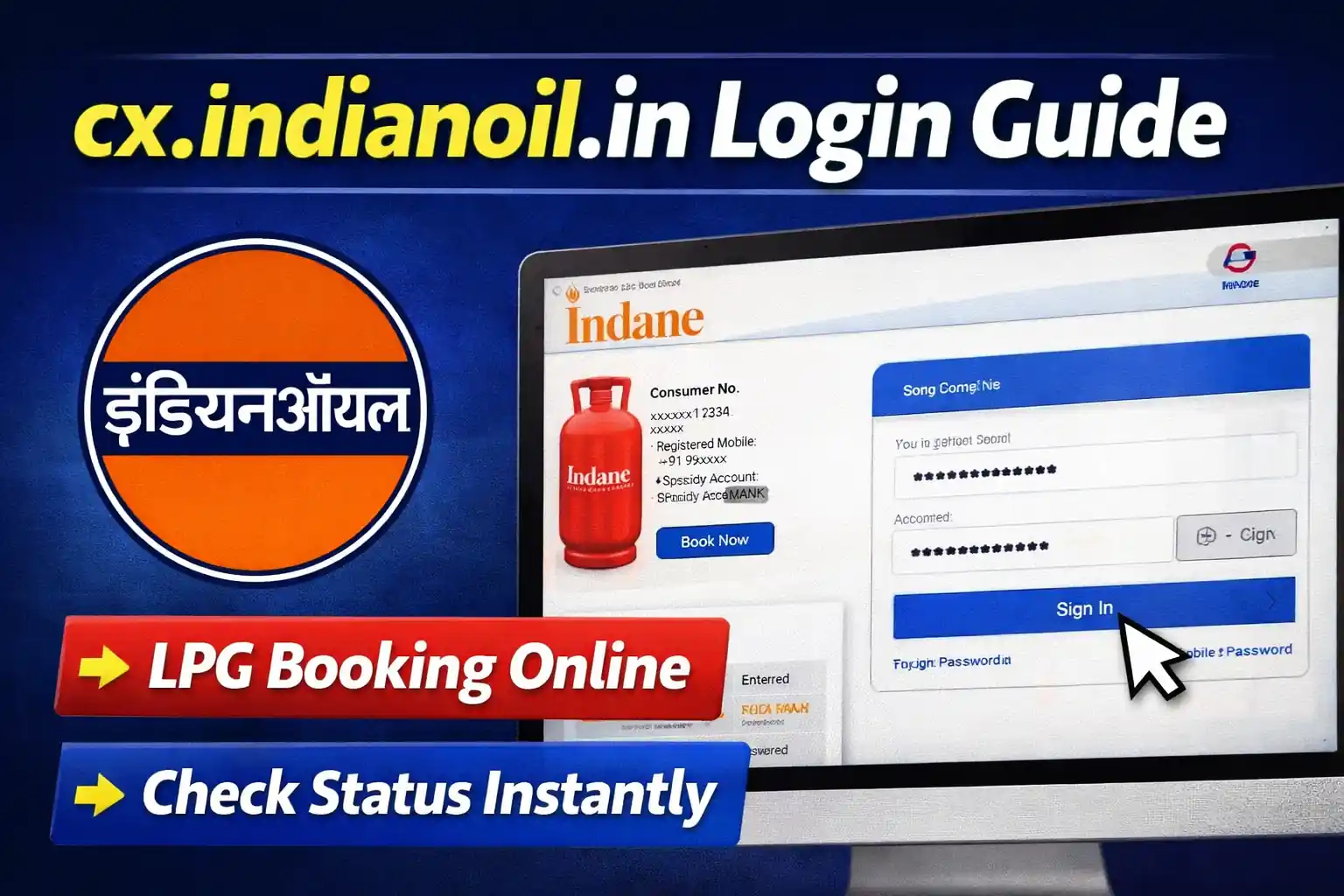
If you are an Indane LPG customer, the cx.indianoil.in login portal allows you to manage your gas connection online easily. From booking cylinders to checking subsidy status, everything can be done in a few clicks.
🔐 What is cx.indianoil.in?
The cx.indianoil.in portal is the official customer platform of Indian Oil (Indane LPG). It is designed for users to:
- Book LPG cylinder online
- Check booking status
- View subsidy details
- Update personal information
- Download invoices
✅ How to Login on cx.indianoil.in
Follow these simple steps:
- Open the official website: https://cx.indianoil.in
- Click on the Login button
- Enter your:
- Registered Mobile Number / Email ID
- Password
- Click on Sign In
👉 Once logged in, you will see your customer dashboard.
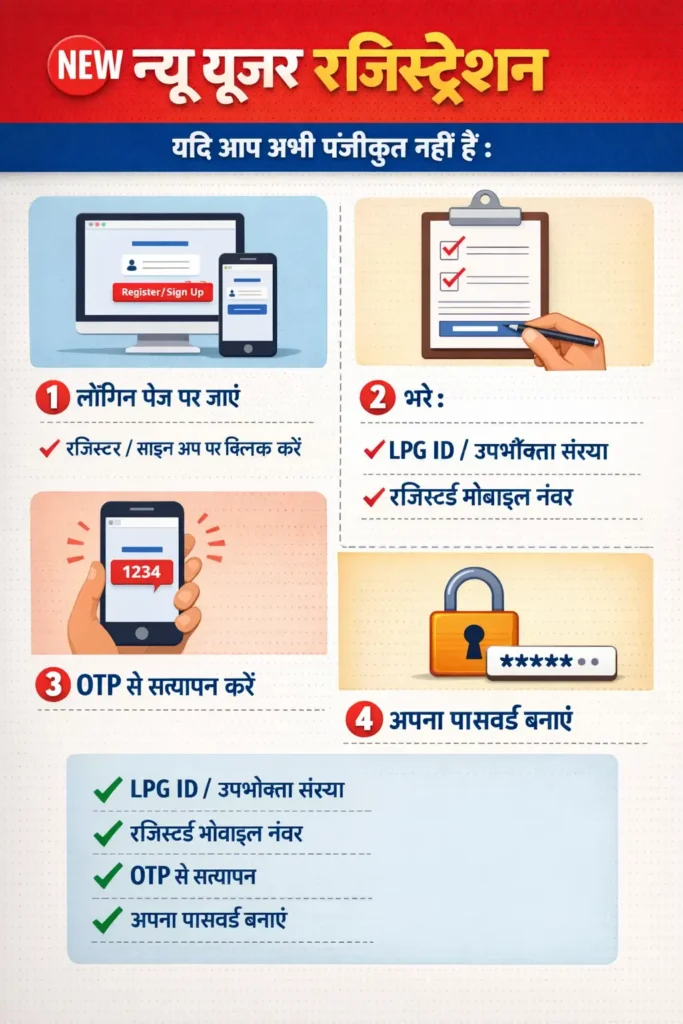
🆕 New User Registration
If you are not registered yet:
- Go to the login page
- Click on Register / Sign Up
- Enter:
- LPG ID / Consumer Number
- Registered Mobile Number
- Verify with OTP
- Create your password
🔥 Key Features of cx.indianoil.in
- 📦 Online LPG booking in seconds
- 💰 Check subsidy transfer status
- 📄 Download payment receipts
- 📍 Track delivery status
- 🔄 Update KYC details
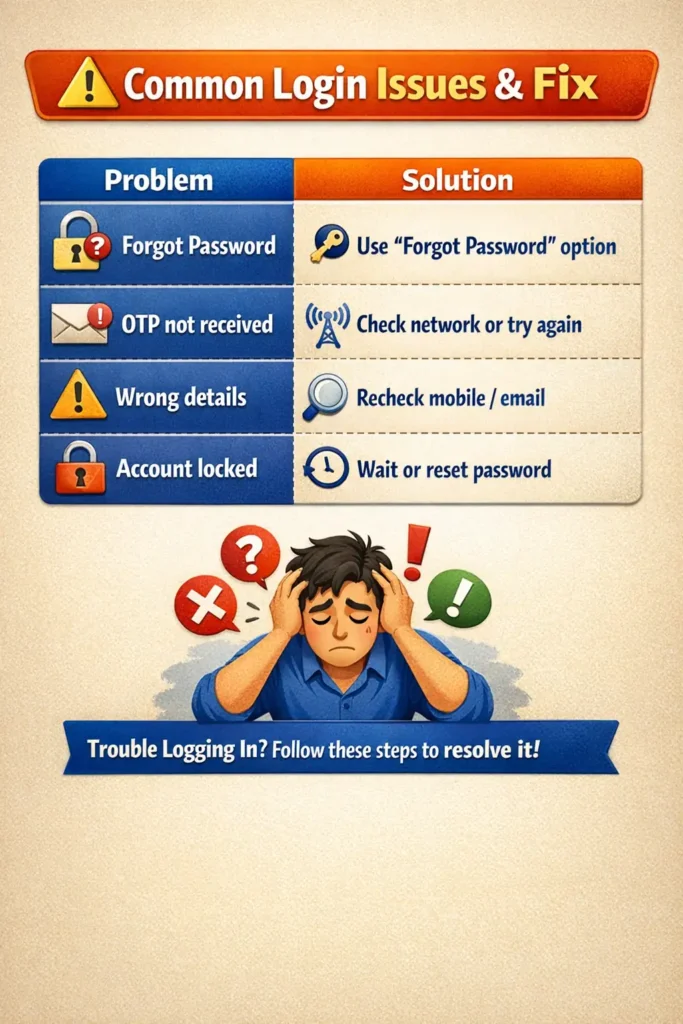
⚠️ Common Login Issues & Fix
| Problem | Solution |
|---|---|
| Forgot Password | Use “Forgot Password” option |
| OTP not received | Check network or try again |
| Wrong details | Recheck mobile/email |
| Account locked | Wait or reset password |
📌 Pro Tip
Always use your registered mobile number for faster login and OTP verification. Avoid using public devices for security.
🔎 Conclusion
The cx.indianoil.in login portal makes LPG services simple and fast. Instead of visiting agencies, you can manage everything online from your mobile or computer.