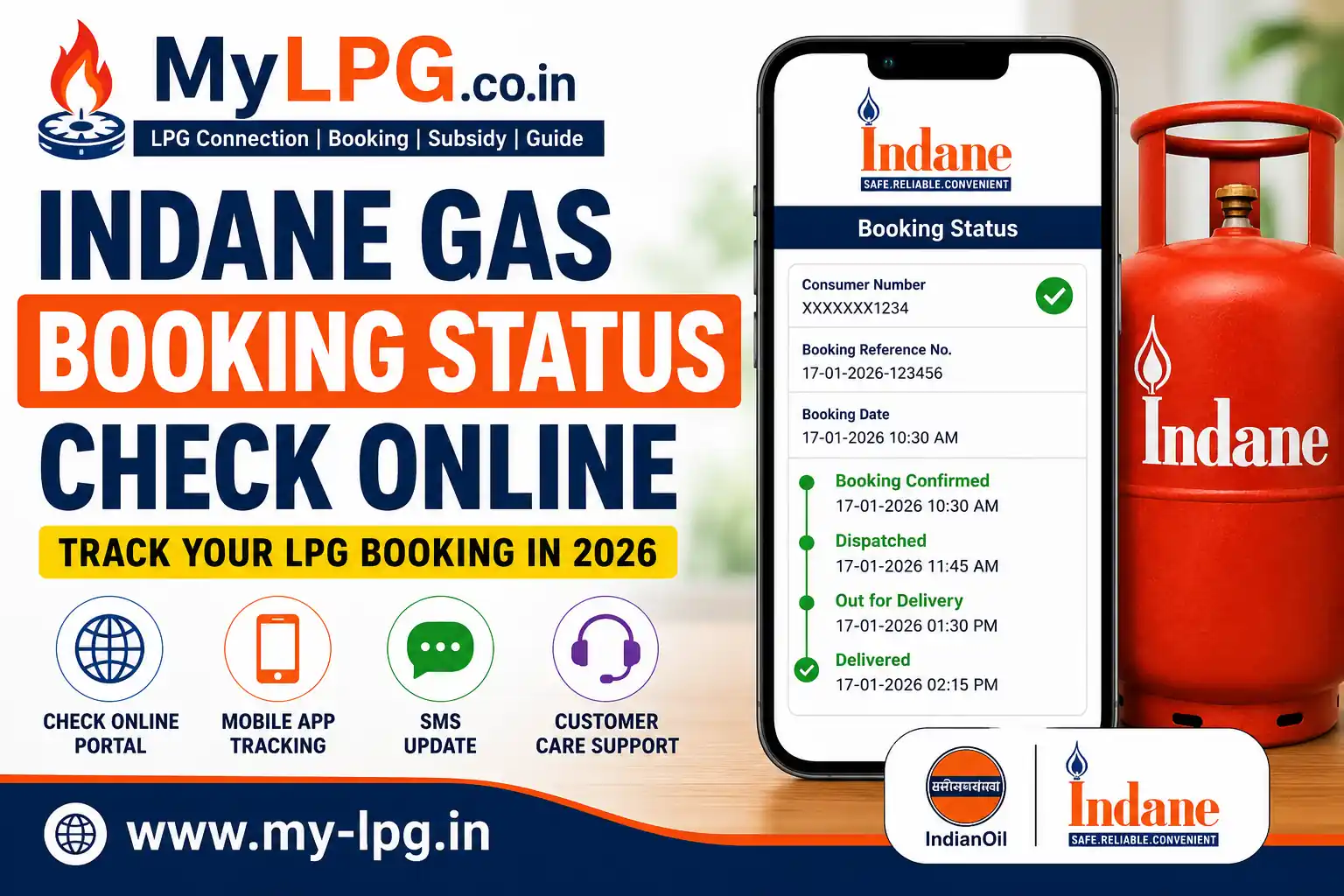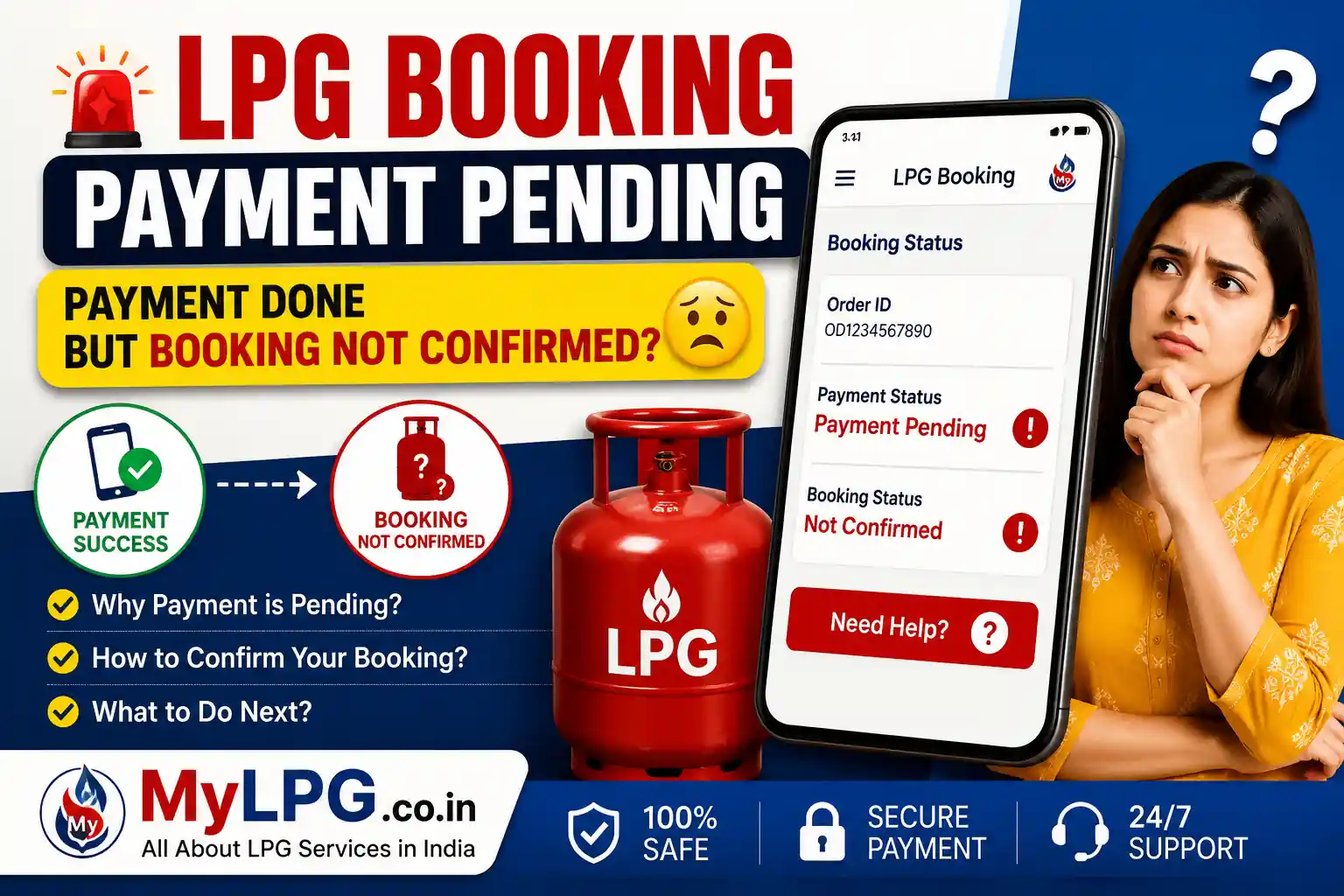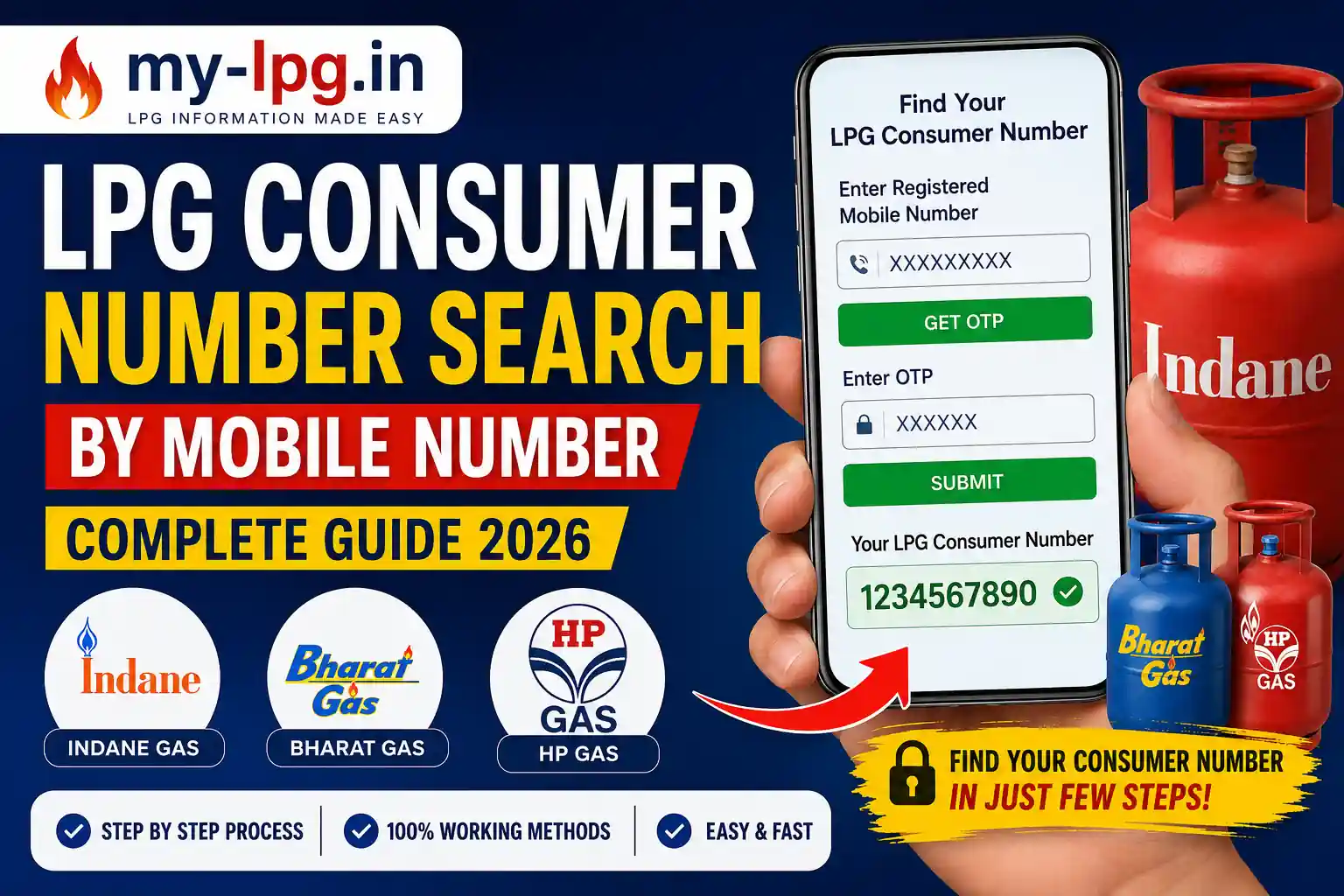
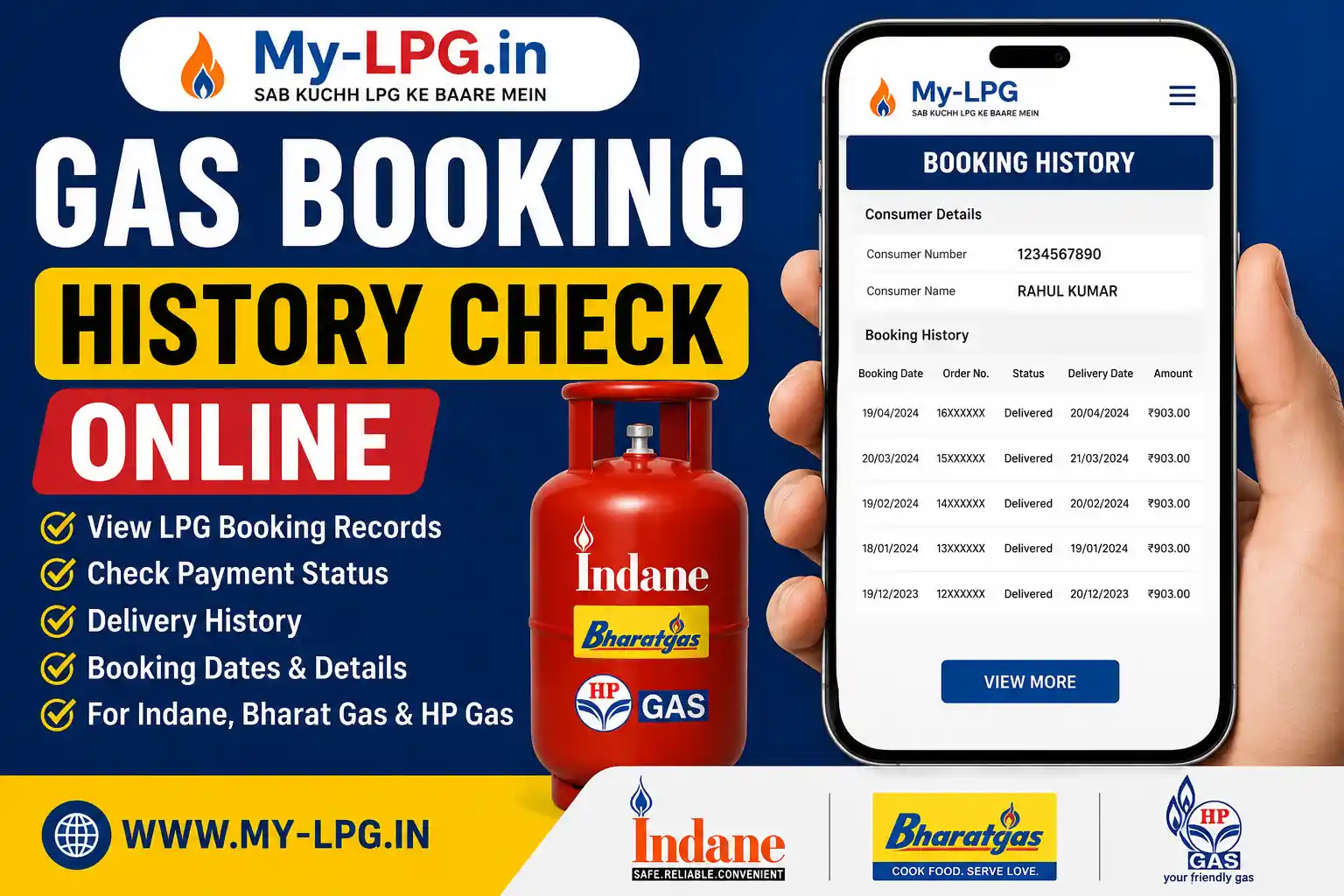
If you want to check when your LPG cylinder was booked, delivered, or paid for, you can easily view your Gas Booking History Online. Indane Gas, Bharat Gas, and HP Gas customers can access their previous refill bookings, payment records, and delivery status through the official online portal.
Checking your booking history helps you verify successful bookings, monitor delivery progress, and keep track of LPG subsidy payments.
Read Also: LPG Booking Payment Pending – Payment Done but Booking Not Confirmed?
What is Gas Booking History?
Gas Booking History is a record of all LPG refill bookings linked to your Consumer Number or LPG ID. It contains important information such as:
- Booking Date
- Booking Number
- Delivery Status
- Payment Status
- Transaction ID
- Cash Memo Number
- Subsidy Status
- Delivery Date
How to Check Gas Booking History Online
Follow these simple steps:
- Visit your LPG company’s official website or mobile app.
- Log in using your registered mobile number or Consumer Number.
- Open the Booking History or Refill History section.
- Select the booking you want to view.
- Check your booking details, payment status, and delivery information.
Read Also: Indane Gas Consumer Number Search Online
Benefits of Checking LPG Booking History
Checking your booking history offers several advantages:
- Verify successful bookings.
- Track LPG cylinder delivery.
- Check online payment status.
- Confirm LPG subsidy credit.
- Download booking records.
- Avoid duplicate bookings.
- Resolve customer support issues quickly.
Common Issues While Checking Booking History
Sometimes you may not be able to see your booking history because of:
- Server maintenance
- Incorrect Consumer Number
- OTP not received
- Login issues
- Recent booking not yet updated
If the problem continues, contact your LPG distributor or customer care.
Read Also: Gas Booking Done but Cylinder Not Delivered?
Tips for LPG Customers
- Always use your registered mobile number.
- Keep your Consumer Number safe.
- Save booking confirmation SMS.
- Download payment receipts.
- Check your booking history regularly.
Read Also: LPG Gas Cylinder Home Delivery Status Check
Frequently Asked Questions
Yes. Indane, Bharat Gas, and HP Gas customers can check their booking history online.
Yes, it is completely free.
Yes. Most LPG companies allow customers to access previous booking records.
Yes. You can usually see payment status, transaction ID, booking date, and delivery details.
Yes. Many LPG portals allow you to print or download booking records.
Conclusion
Checking your Gas Booking History Online is an easy way to monitor your LPG refill bookings, payment records, and delivery status. Whether you are an Indane, Bharat Gas, or HP Gas customer, regularly reviewing your booking history helps you stay informed and quickly resolve any booking-related issues.
Read Also: